Web UI
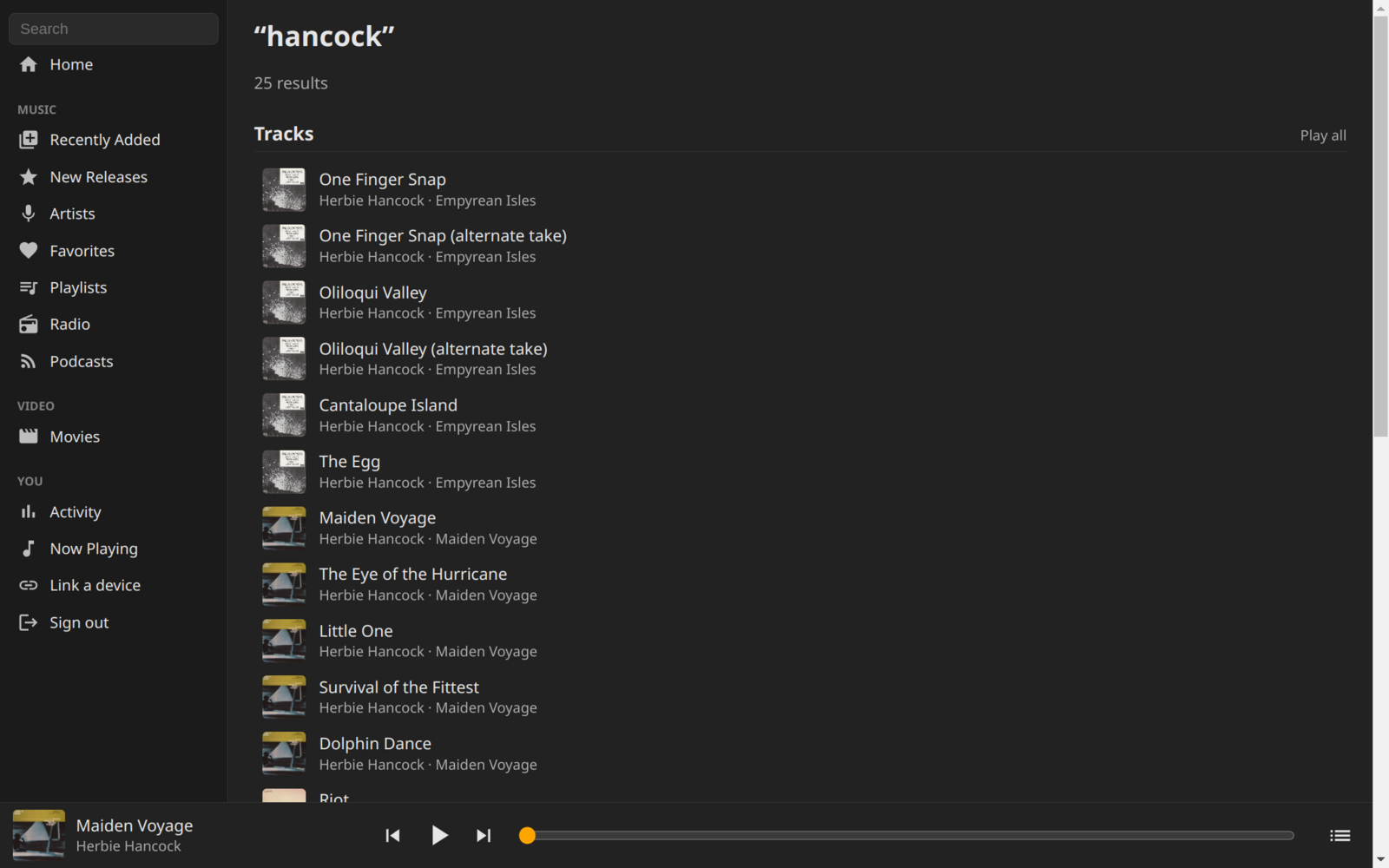
The Takeout server includes a web UI, so there’s nothing to install. Open your Takeout server address in a web browser and sign in with your userid and password.
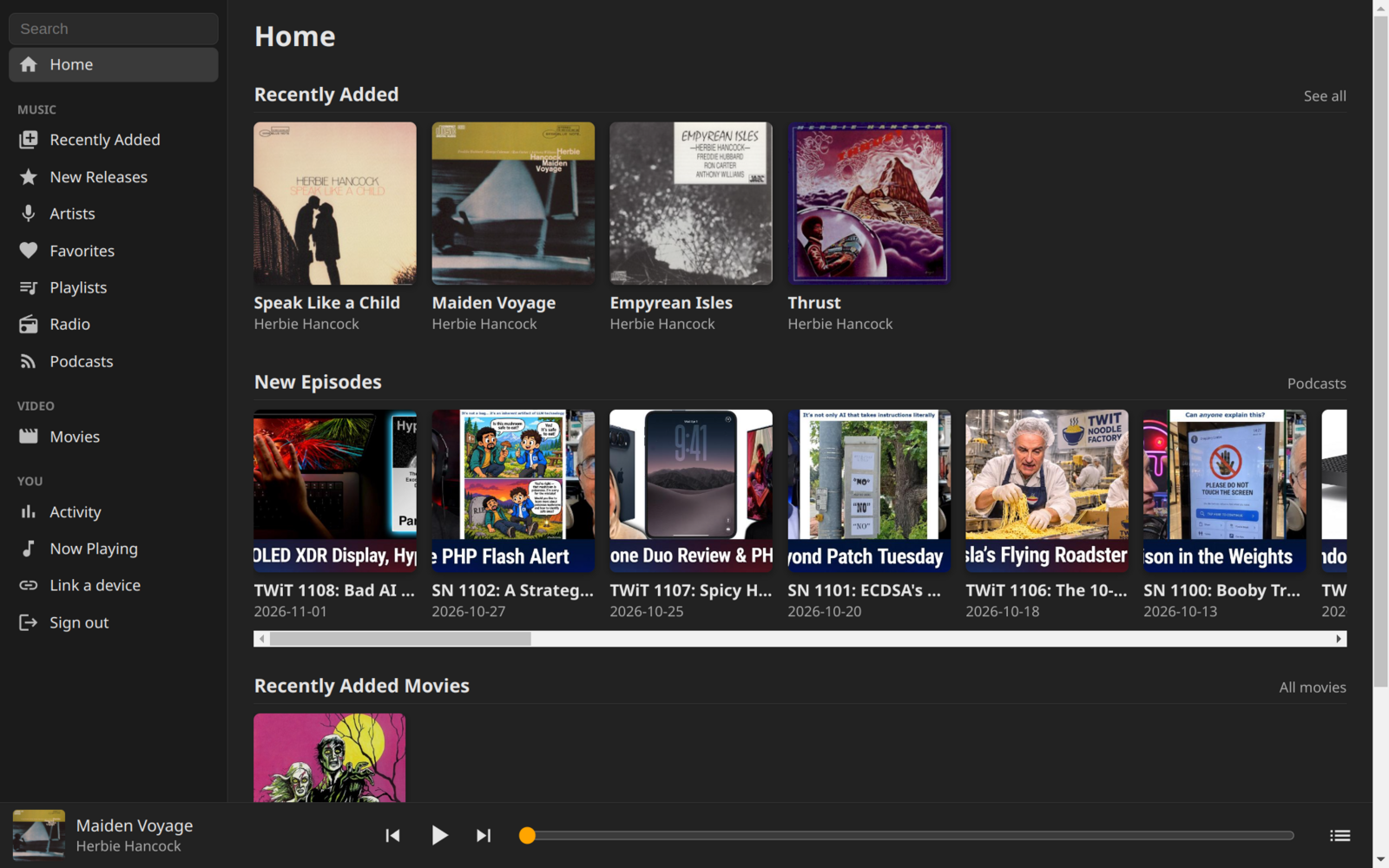
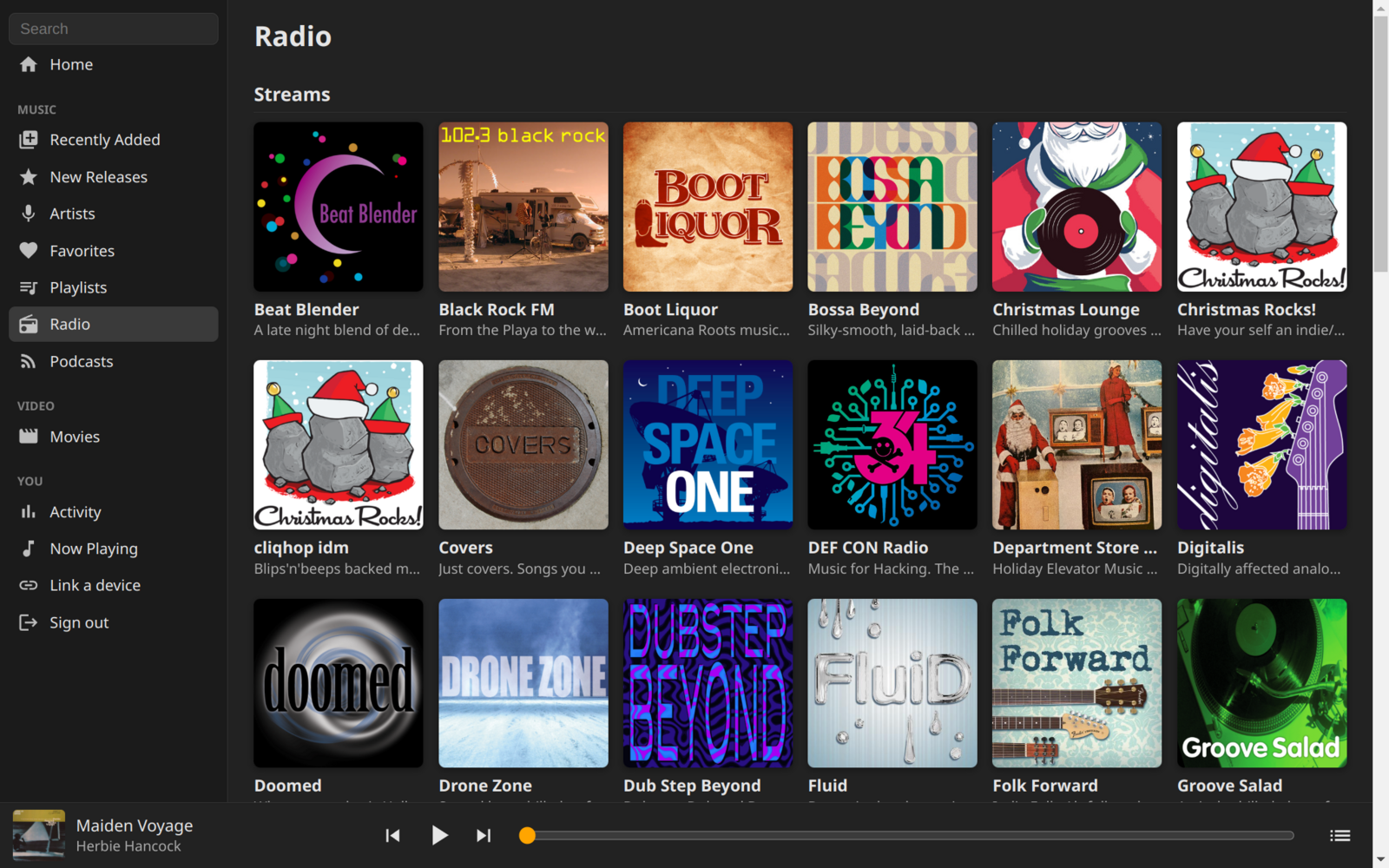
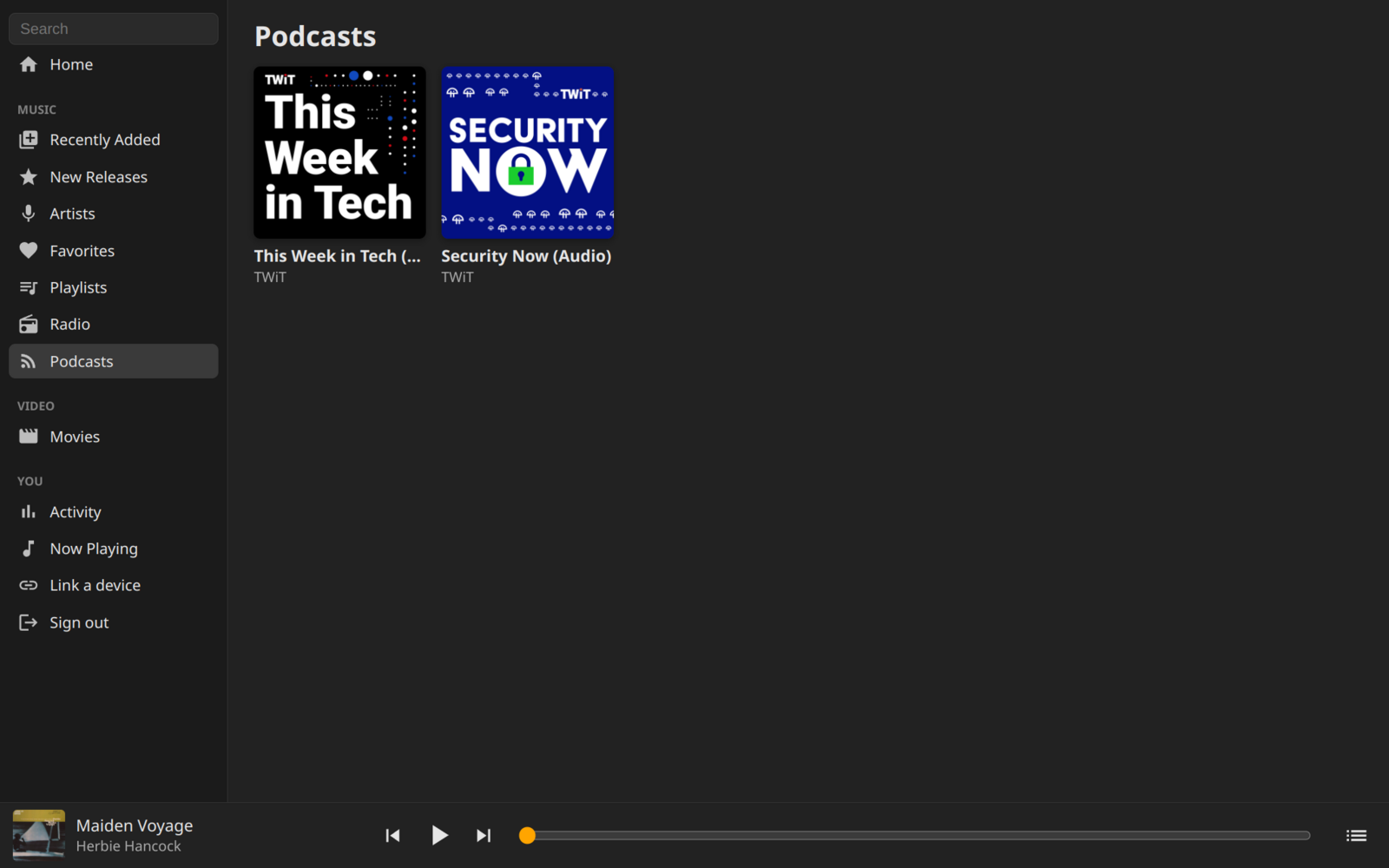
The web UI plays music, Internet radio, and podcasts. Movies and TV shows can be browsed and added to favorites, and are watched with the apps. Pages have real URLs, such as /releases/12 or /search?q=…, and playback continues while you browse.
Features
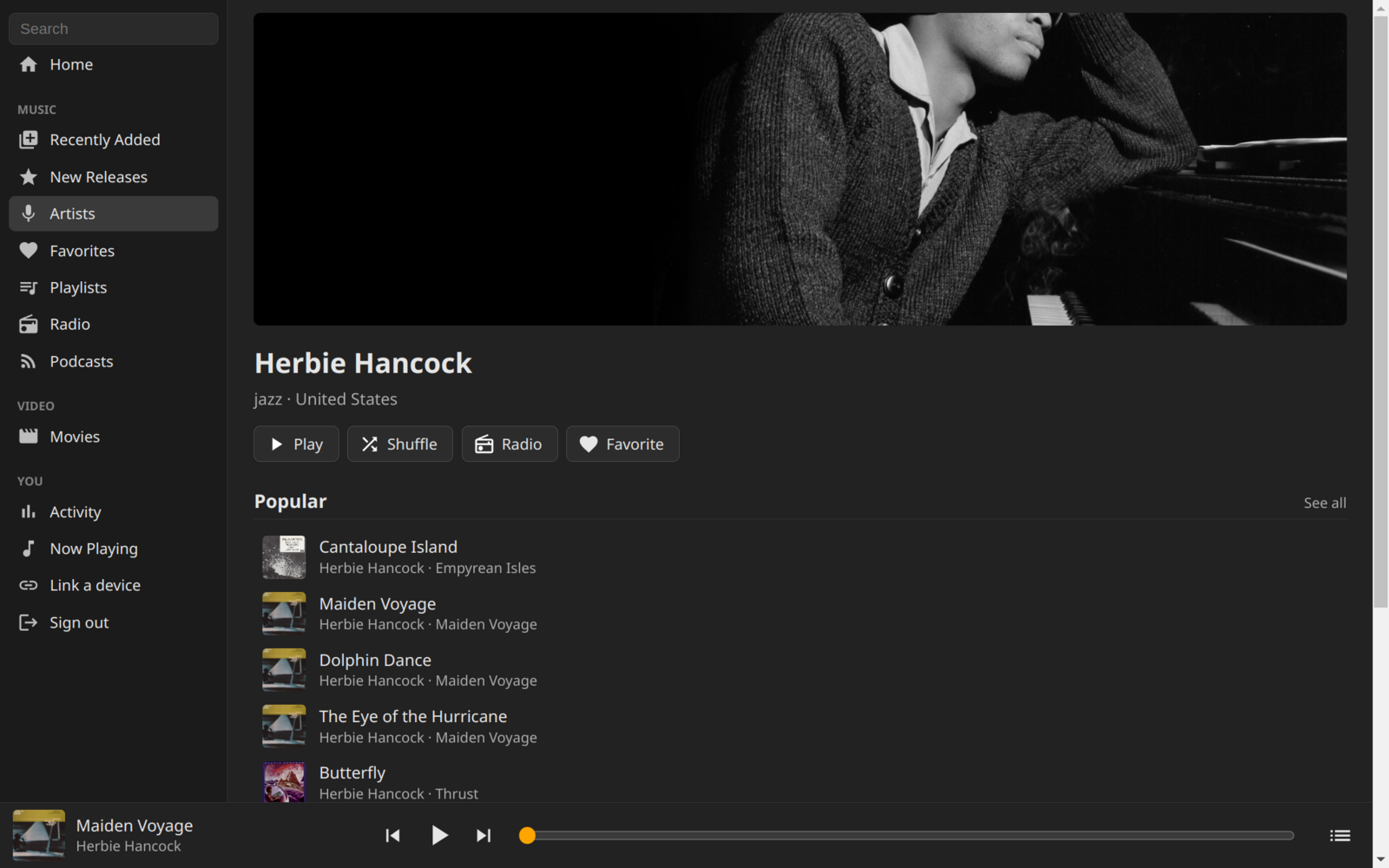
- Sidebar layout with page headers for Play, Shuffle, Radio, and Favorite
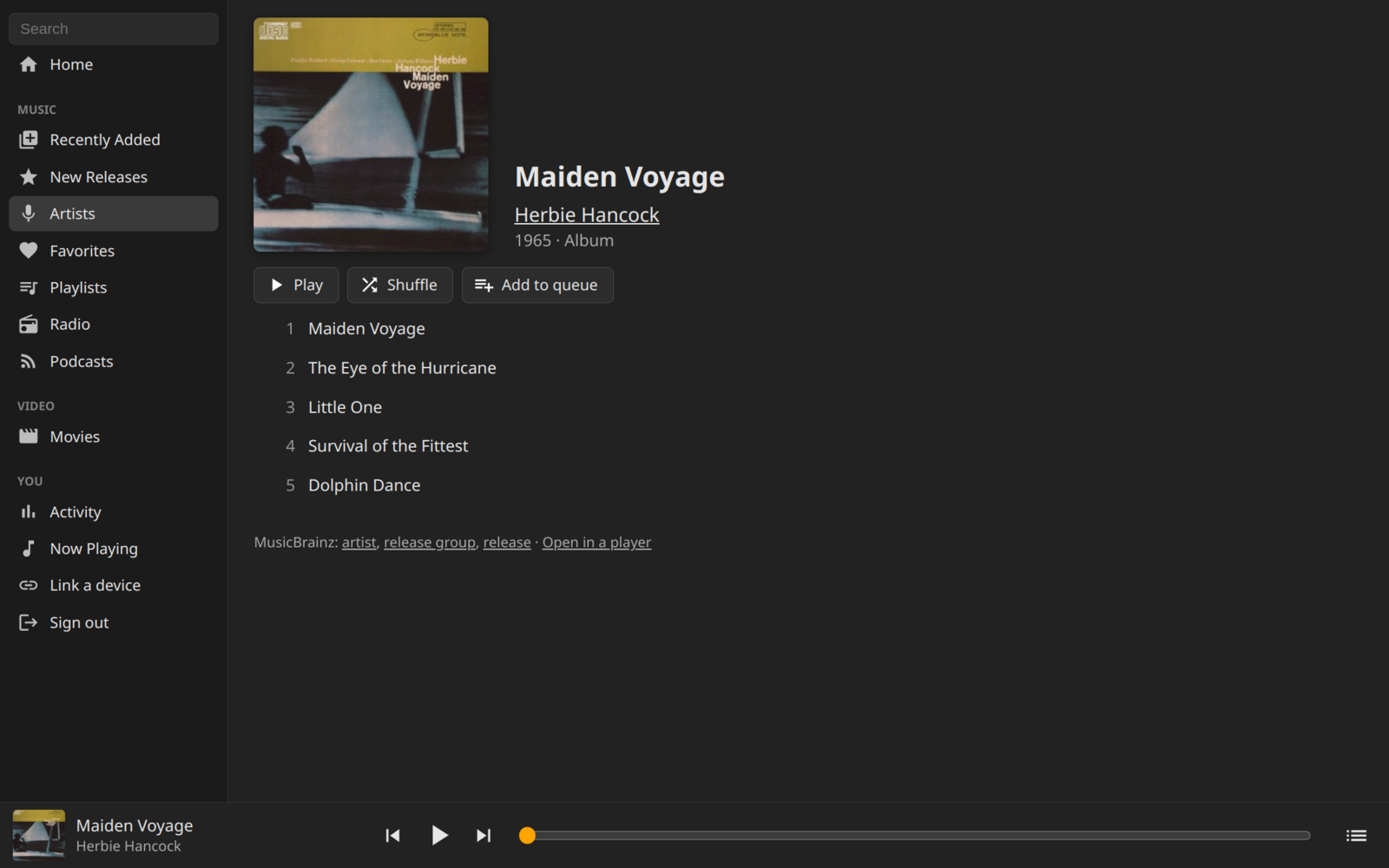
- Home, Recently Added, New Releases, Artists, Radio, Playlists, and Favorites
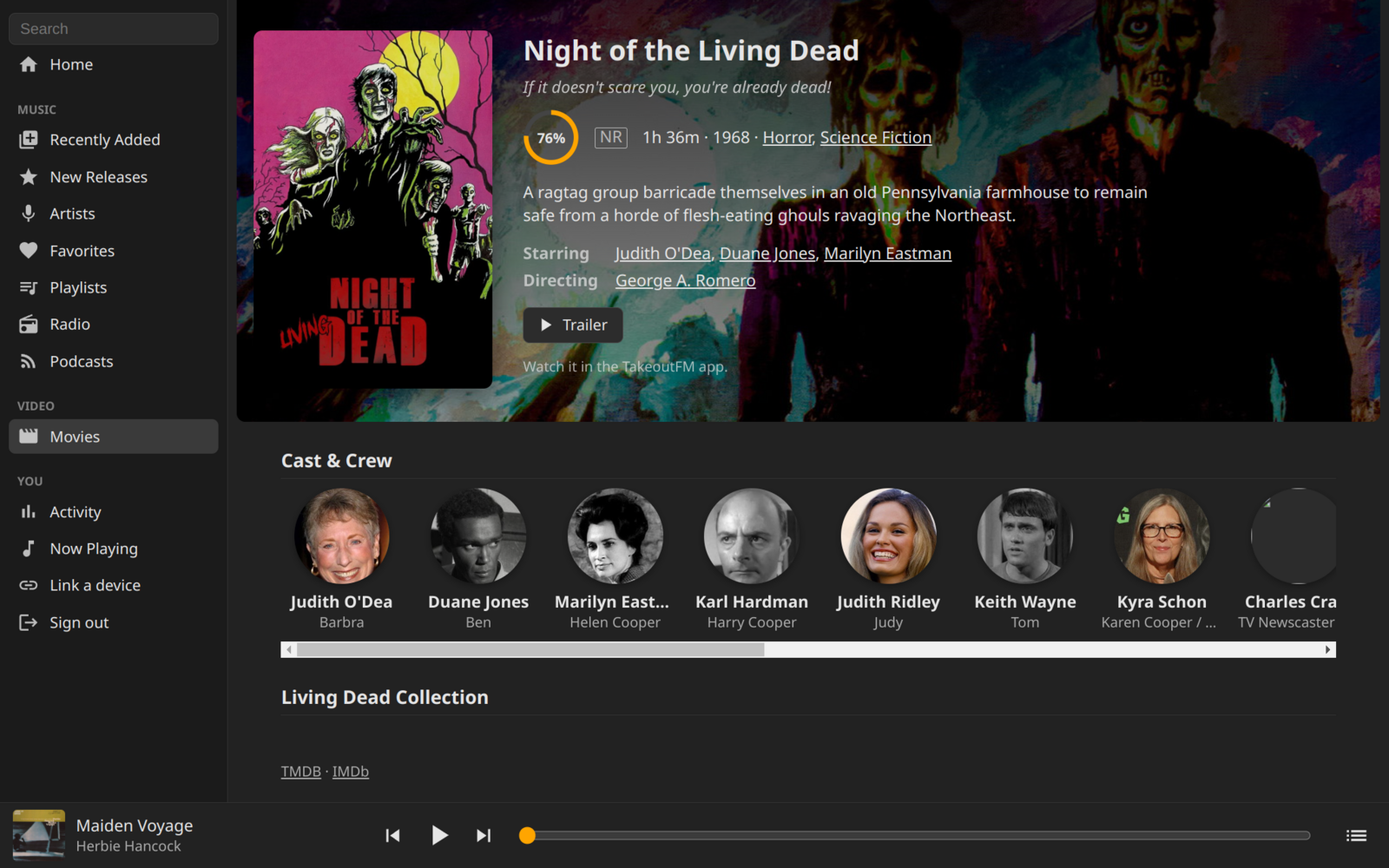
- Movies and TV shows with cast, crew, and person pages (browse only)
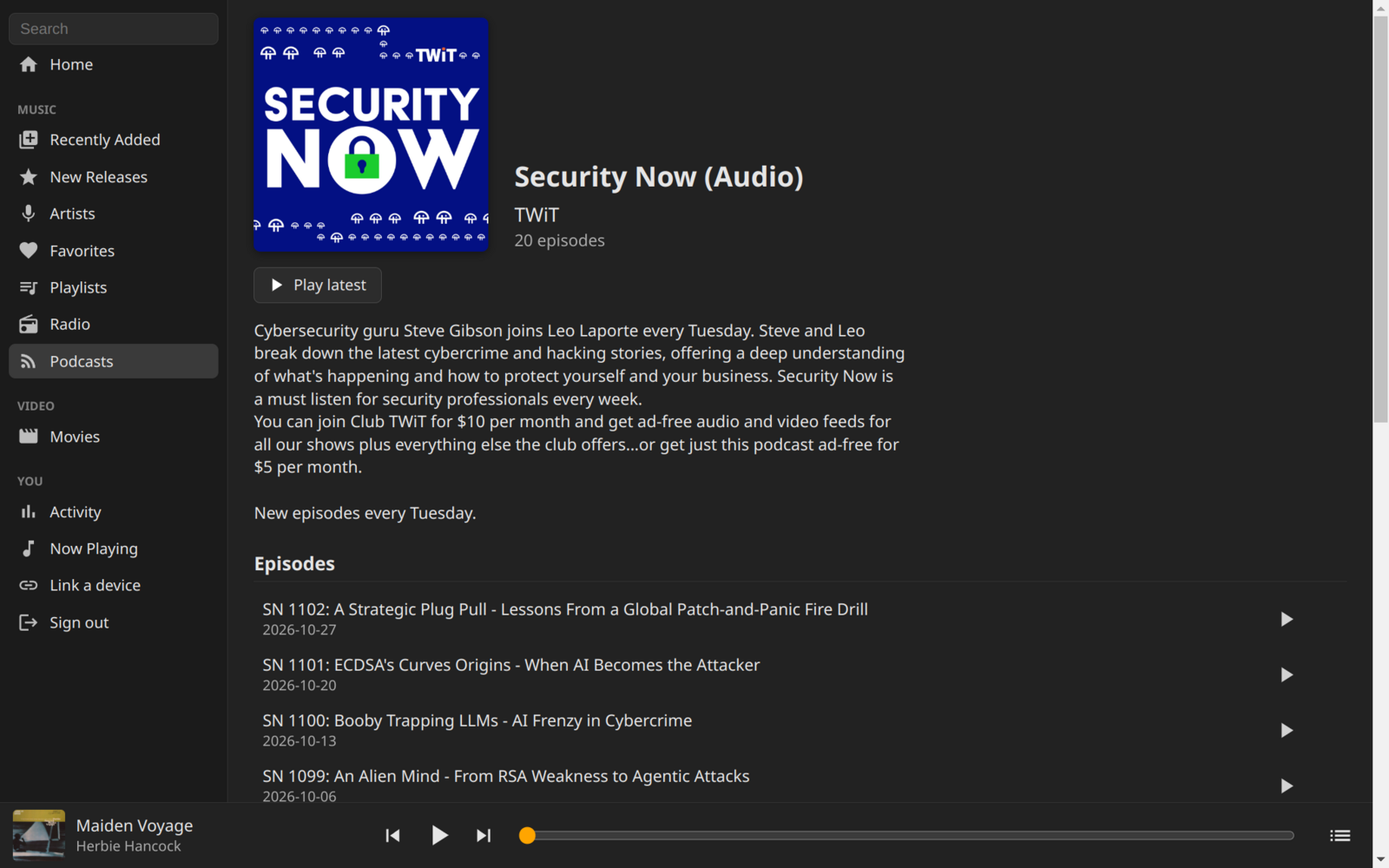
- Podcasts with episode pages, Resume, Start Over, and Mark as Played
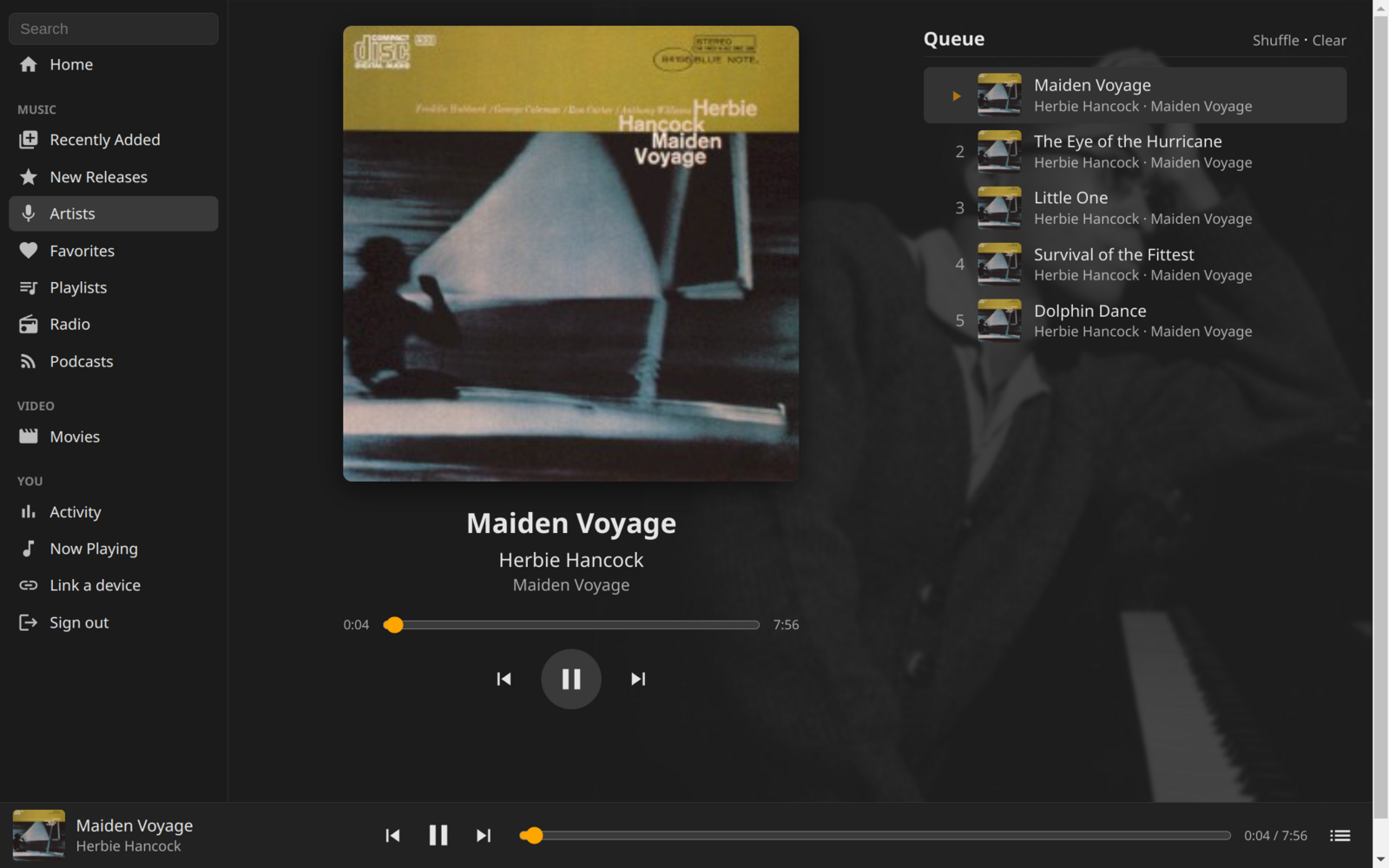
- Mini player with a Now Playing screen and the queue
- Uses your server playlist, so the queue is shared with the apps
- Listens count the same as in the apps (4 minutes or half the track)
- Podcast progress is saved and resumed across devices
- Activity with charts of your listening
- Search
- Link a device
Screenshots
Link a Device
TVs, watches, and the desktop apps sign in with a short code. Choose Link a device in the web UI (or open /link on your server) and enter the code shown on the device. No password is needed when you’re already signed in.
Note
Internet radio stations that only have http:// streams may not play when your server uses https. The player will say so and move on.