Console
Warning
Playout is a legacy app. It still works with the Takeout server, but new features land in the native apps.
The TakeoutFM console player is called Playout.
Playout is command line app, written in Go, and runs on several platforms.
Features
- Supports music, podcasts, Internet radio
- Audio support: flac, mp3, vorbis, wav
- Platform support: Linux, macOS, Windows, FreeBSD, OpenBSD, and more
- Search based playlists
- Repeat & shuffle
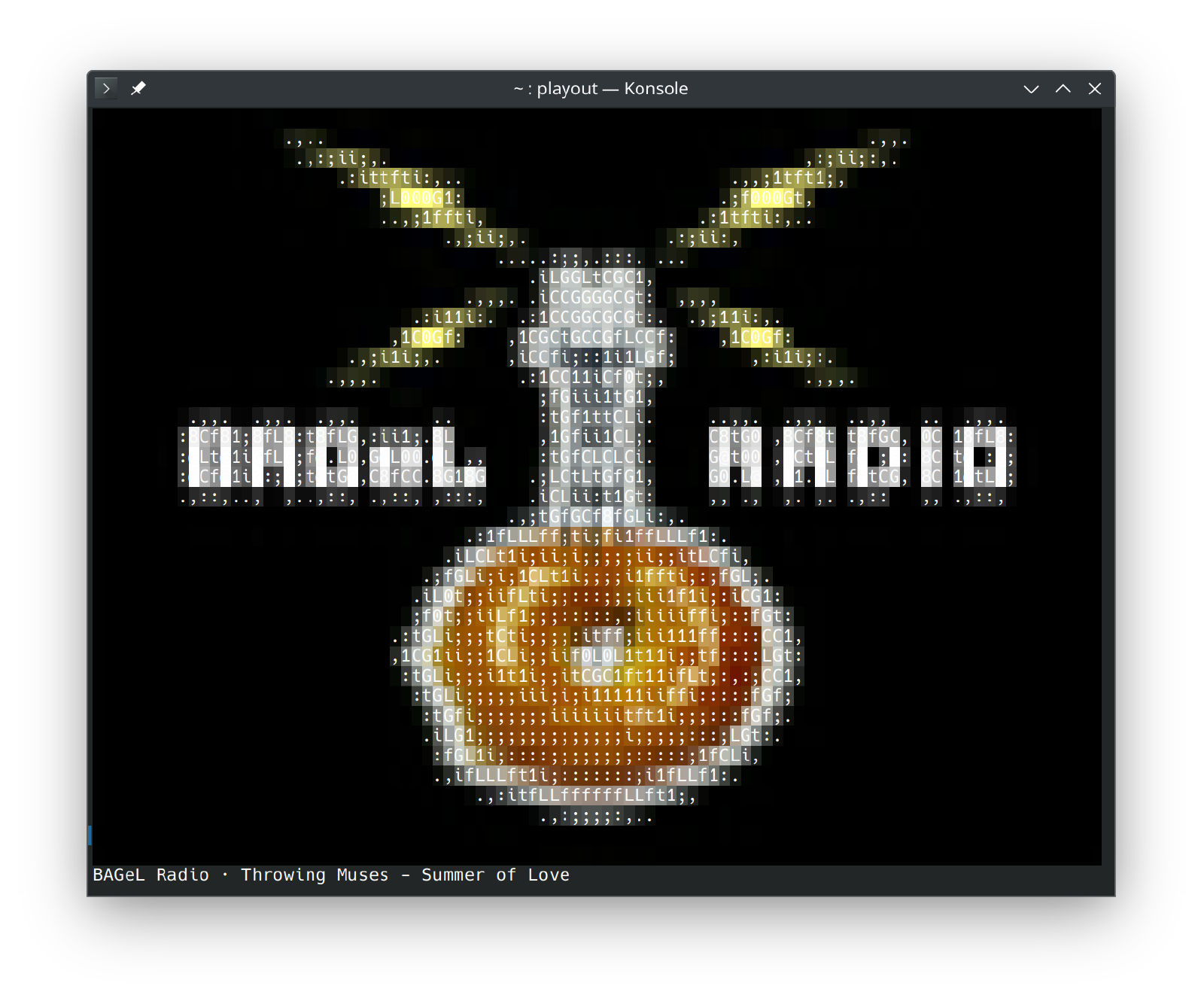
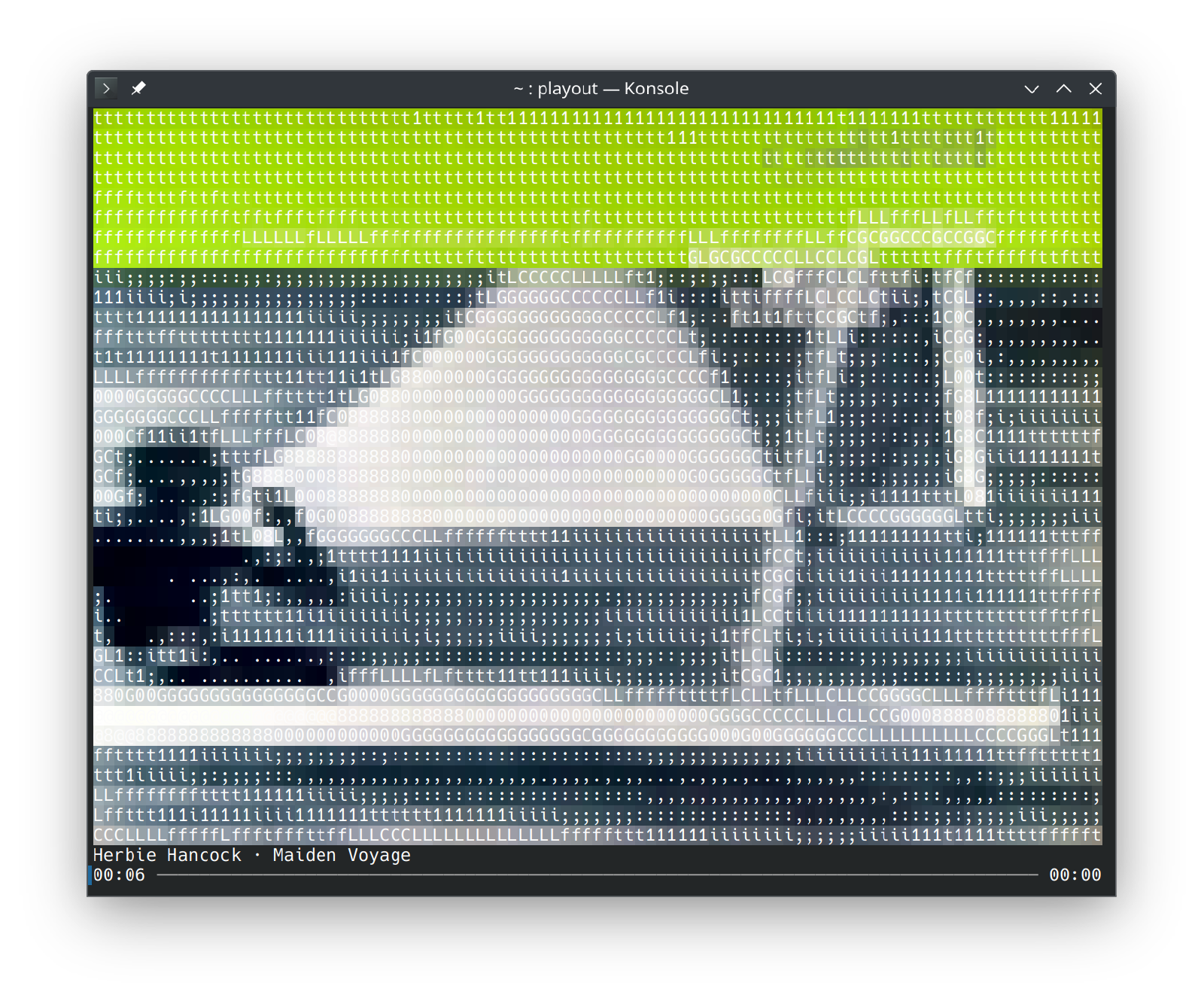
- Visual or simple UI
- ASCII art album covers
- ListenBrainz
Note
Only Linux support with ALSA has been tested.
Screenshots
Installation
Download and build playout from source.
$ go install takeoutfm.dev/takeout/cmd/playout@latest
Setup
Config File
# ~/.config/playout/config.yaml
endpoint: "https://yourserver"
enableTrackActivity: true
enableListenBrainz: true
Authenticate
# get an auth code
$ playout auth --get
code is 86D9RT
Use the app or web ui to login with the auth code
# confirm auth code
$ playout auth --check
Tokens
All tokens are stored here:
~/.config/playout/tokens.yaml
These are secrets so keep this file protected.
ListenBrainz
Edit tokens.yaml and append your ListenBrainz token (lbztoken)
# ~/.config/playout/tokens.yaml
accesstoken: ...
code: 86D9RT
codetoken: ...
mediatoken: ...
refreshtoken: ...
lbztoken: aaa-111-bbb-333